
PerkOS Mobile
Partners OnlyThe mobile companion for checking project progress and talking to Sparky on a linked Runtime node.
Use Mobile to catch up away from your desk. Agents keep working on the node while you check what changed.
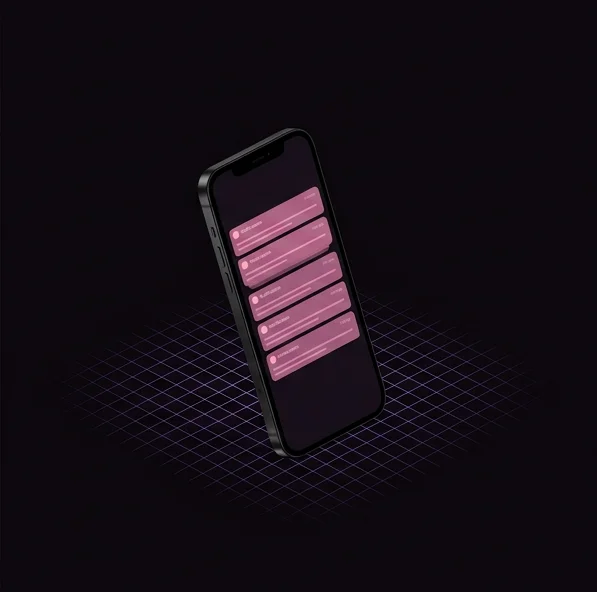
Make the next decision from your phone
The partner workflow is designed for the moment a project needs your attention while you’re away from your desk.
Link a Runtime node
Use a QR code or pairing code with a compatible build. The app identifies the node that holds the project and its current connection state.
See what needs attention
Open the project, follow agent activity and ask the linked Sparky for context when the node has a model configured.
Review and respond
Inspect a proposed action on a supported workflow and send your decision to the linked node. Look for confirmation from the destination.
The native app is for partners. The linked environment runs the work. Device, network and approval support depend on the pilot configuration.
Work with Sparky.

Prepare a project brief
Sparky gathers the task context and prepares a draft for your review.
Review the draft
The brief outlines the goal, open questions and next steps. You decide what changes before the team moves on.
PerkOS wherever you do business.
Run agents on your own hardware, manage work in a browser, follow progress on your phone, or bring a connected device into your business premises.
PerkOS Runtime
Run agents on your own desktop or nodes, with your hardware in control.
Choose Runtime when you want the work to happen on machines you operate. Your desktop or node is the execution environment for your agents.
PerkOS Cloud
Bring projects, tasks and agent conversations together in a managed browser workspace.
Choose Cloud when you want to start from a browser rather than maintain a host. Open the current application to work with your team.
PerkOS Mobile
The mobile companion for checking project progress and talking to Sparky on a linked Runtime node.
Use Mobile to catch up away from your desk. Agents keep working on the node while you check what changed.
PerkOS Kiosk
A connected device for businesses that serve customers in person.
Designed for counters and reception areas. Talk to us about the workflow you want to bring on-site.